IN THIS ARTICLE
What Are AI Bots?
Let's start simple. When you ask ChatGPT a question or search something on Perplexity, the answer has to come from somewhere. These AI systems are trained on massive amounts of data, but they also need fresh information from the web.
That's where AI bots come in. They're automated programs that visit websites, read the content, and send it back to be processed. Think of them as scouts, constantly exploring the internet to gather information.
The main AI bots you'll encounter today include:
Each of these bots behaves slightly differently, visits at different times, and has its own priorities. Some are more aggressive than others. Some respect your robots.txt file. Some don't.
How Crawling Actually Works
When an AI bot "crawls" your website, here's what actually happens under the hood:
- The bot sends an HTTP request to your server, asking for a specific page.
- Your server receives the request and checks if it can serve that page.
- Your server sends back a response - either the page content or an error.
- The bot reads the response, extracts the content, and may follow links to other pages.
- This repeats across your site, building a picture of your content.
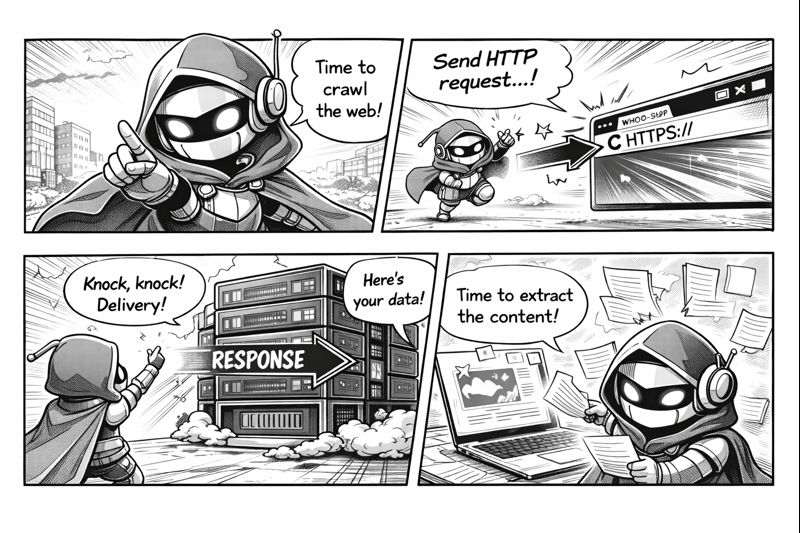
Every single one of these interactions gets logged by your server. That log is a goldmine of information about how bots interact with your site.
Reading Your Server Logs
Your server keeps a record of every request it receives. This is called an access log, and it's where all the interesting data lives.
Here's what a typical log entry looks like:
66.249.66.1 - - [26/Jan/2026:14:32:15 +0000] "GET /products/shoes HTTP/1.1" 200 15234 "-" "Mozilla/5.0 (compatible; GPTBot/1.0; +https://openai.com/gptbot)"That looks like gibberish, but let's break it down:
| Part | Example | What It Means |
|---|---|---|
| IP Address | 66.249.66.1 |
Where the request came from |
| Timestamp | [26/Jan/2026:14:32:15] |
When it happened |
| Request | GET /products/shoes |
What page was requested |
| Status Code | 200 |
Did it work? (200 = yes) |
| Bytes | 15234 |
How much data was sent |
| User Agent | GPTBot/1.0 |
Who made the request |
💡 KEY INSIGHT
The user agent string is how you identify which bot visited. Every bot has a unique signature that tells you exactly who it is.
Here's another real example, this time showing an error:
52.167.144.0 - - [26/Jan/2026:09:15:42 +0000] "GET /api/products?id=12345 HTTP/1.1" 403 1245 "-" "Mozilla/5.0 (compatible; ClaudeBot/1.0; +https://anthropic.com)"This shows ClaudeBot tried to access an API endpoint but got a 403 Forbidden error. The bot was blocked.
Understanding User Agents
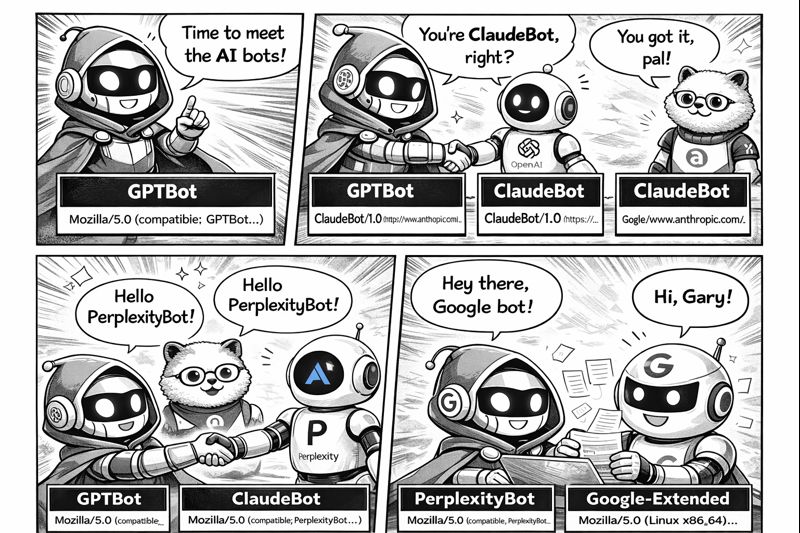
The user agent string is like an ID card for bots. It tells your server who's making the request. Here are the main AI bot user agents you'll see:
Common AI Bot User Agents
GPTBot (OpenAI/ChatGPT):
Mozilla/5.0 AppleWebKit/537.36 (compatible; GPTBot/1.0; +https://openai.com/gptbot)ClaudeBot (Anthropic):
Mozilla/5.0 (compatible; ClaudeBot/1.0; +https://anthropic.com)PerplexityBot:
Mozilla/5.0 (compatible; PerplexityBot/1.0; +https://perplexity.ai/bot)Google-Extended (Gemini/Bard training):
Mozilla/5.0 (compatible; Google-Extended)Some bots are transparent about who they are. Others try to disguise themselves as regular browsers. The legitimate AI bots from major companies will always identify themselves clearly.
Status Codes Explained
When a bot requests a page, your server responds with a status code. This three-digit number tells the bot whether the request succeeded, failed, or something else happened.
Here's what each category means:
| Code | Category | What It Means |
|---|---|---|
| 200 | Success | Page served correctly. Bot got the content. |
| 204 | Success (No Content) | Request worked but nothing to return. |
| 301 | Redirect (Permanent) | Page moved permanently. Bot should update its records. |
| 302 | Redirect (Temporary) | Page temporarily elsewhere. Come back later. |
| 403 | Forbidden | Access denied. Bot is blocked. |
| 404 | Not Found | Page doesn't exist. Bot hit a dead end. |
| 500 | Server Error | Something broke on your end. |
| 503 | Service Unavailable | Server overloaded or down for maintenance. |
A healthy site should have a success rate above 90% for bot requests. If you're seeing lots of failures, something's blocking access.
Robots.txt and AI Bots
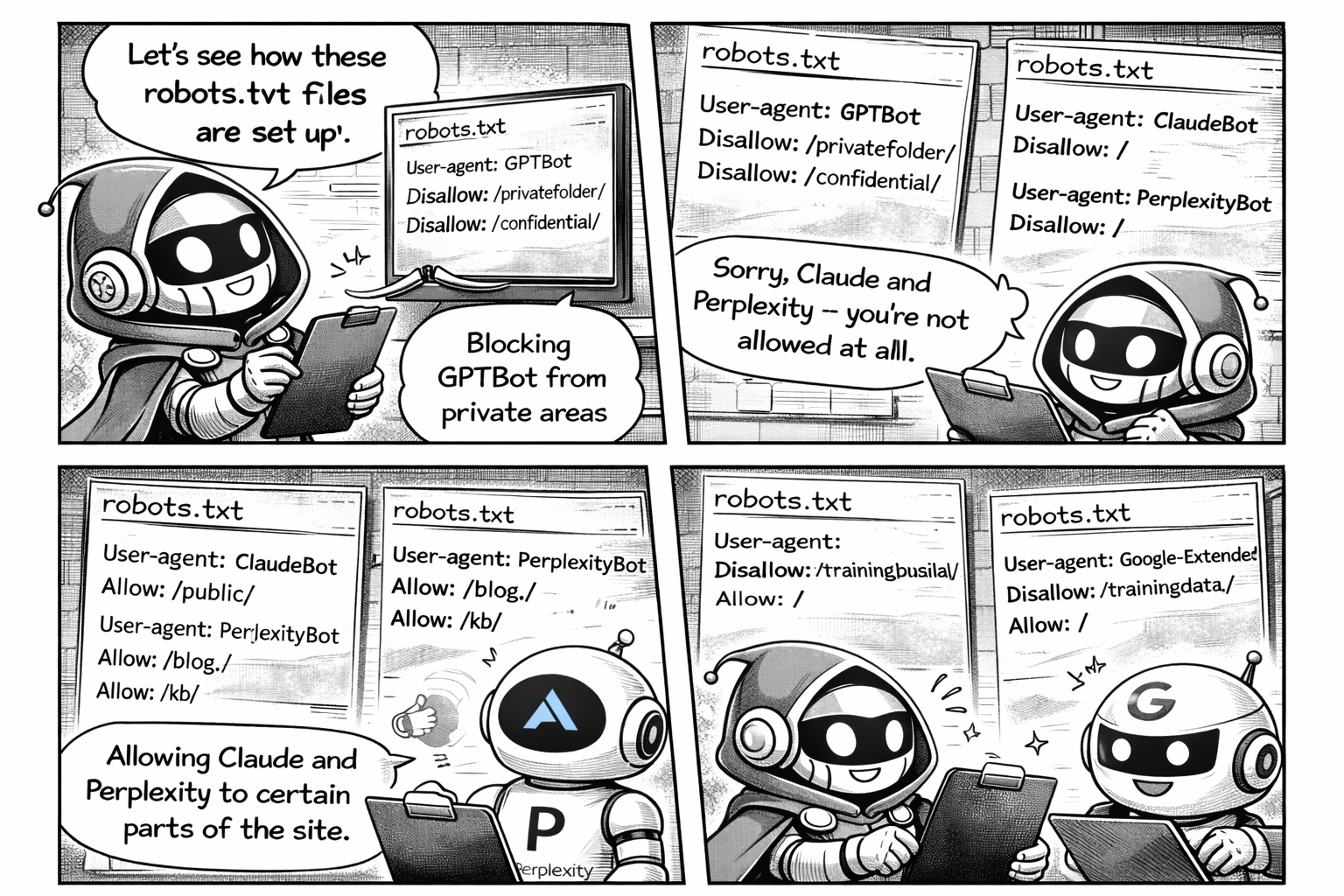
The robots.txt file is how you tell bots what they can and can't access. It sits at the root of your domain (e.g., yoursite.com/robots.txt) and contains rules for crawlers.
User-agent: *
Allow: /

User-agent: GPTBot
Disallow: /

User-agent: ClaudeBot
Disallow: /private/
Allow: /

Sitemap: https://yoursite.com/sitemap.xml
In this example:
- All bots are allowed everywhere by default
- GPTBot is completely blocked from the entire site
- ClaudeBot can access everything except the
/private/folder
⚠️ IMPORTANT
Not all bots respect robots.txt. Legitimate bots from major companies will follow the rules, but some scrapers ignore them entirely. Robots.txt is a guideline, not a security measure.
If you want AI tools to include your content in their answers, you need to make sure you haven't accidentally blocked them. Many sites block bots without realising the impact.
Crawl Budget and Efficiency
Bots don't have unlimited resources. They allocate a "crawl budget" to each site - a limit on how many pages they'll visit in a given time period.
If bots waste their budget crawling low-value pages (like CSS files, JavaScript, or 404 errors), they might not reach your important content.
Here's what affects crawl efficiency:
| Factor | Good | Bad |
|---|---|---|
| Content Type | HTML pages, articles, product pages | CSS, JS, images, PDFs |
| Response Time | Under 500ms | Over 2 seconds |
| URL Structure | Clean, logical paths | Infinite parameter combinations |
| Duplicate Content | Canonical tags set | Same content at multiple URLs |
Calculating Crawl Efficiency
A simple way to measure this:
Efficiency = (HTML pages crawled / Total requests) × 100
If bots are spending 60% of their requests on assets instead of content, you've got a problem.
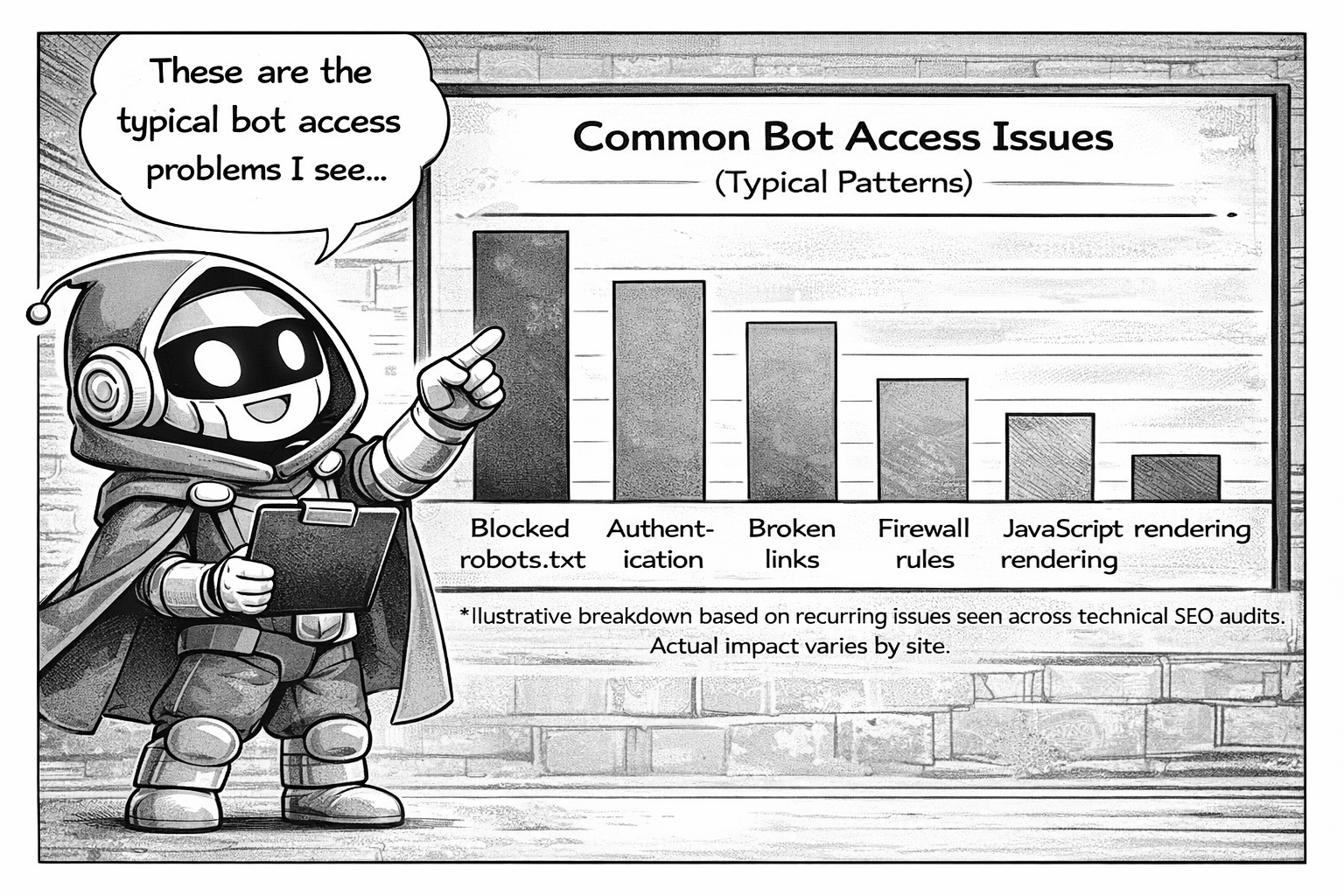
Common Problems
Based on analysing thousands of server logs, here are the most common issues that block AI bots:
1. Accidental Blocking via Robots.txt
Many sites have legacy robots.txt rules that block all bots except Google. When AI bots came along, they got blocked by default.
2. Rate Limiting
Firewalls and CDNs often rate-limit aggressive crawlers. AI bots can trigger these limits, resulting in 429 Too Many Requests errors.
3. JavaScript-Heavy Sites
If your content loads via JavaScript after the initial page load, some bots might not see it. They fetch the HTML and leave before JS executes.
4. Geo-Blocking
Some sites block traffic from certain countries or data centres. AI bots often run from cloud infrastructure that might be on your block list.
5. Authentication Walls
Login requirements, paywalls, or session-based content will stop bots entirely. They can't log in.
6. Broken Internal Links
Bots follow links to discover content. If your internal links point to pages that don't exist, bots waste crawl budget on 404 errors.
7. Redirect Chains
Page A redirects to B, which redirects to C, which redirects to D. Each hop wastes a request, and some bots give up after 3-5 redirects.
What You Can Do About It
Now that you understand how AI bots work, here's what you can actually do:
- Check your robots.txt - Make sure you're not accidentally blocking AI bots you want to allow.
- Review your server logs - Look for patterns of failures, blocked requests, or missing bots.
- Fix broken pages - Eliminate 404s and redirect chains that waste crawl budget.
- Speed up your site - Faster response times mean bots can crawl more pages.
- Ensure content is accessible - Don't hide important content behind JavaScript or login walls.
- Submit your sitemap - Help bots discover your most important pages.
Want to See What's Happening on Your Site?
I built a tool that analyses your server logs and shows you exactly how AI bots interact with your website. No guesswork - just data.
LEARN MOREAI search is only going to become more important. The sites that make their content accessible to AI bots today will have an advantage when AI tools become the primary way people find information.
The good news? Most of the fixes are straightforward once you know what the problems are.